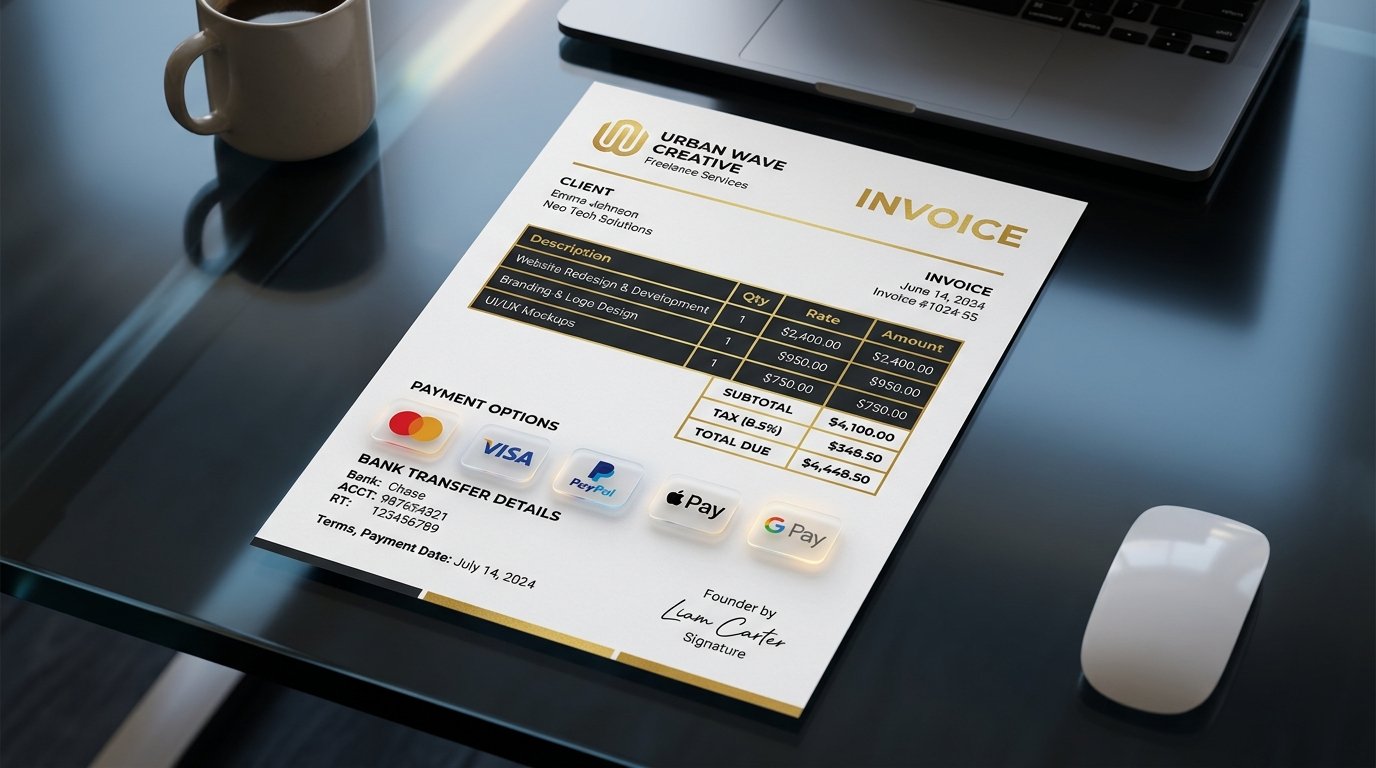
💡 Quick Answer: How to Create a Free Freelance Invoice
To create professional invoices instantly without monthly software subscriptions, use PDFCraft Free Invoice Generator. Simply enter your business details, client name, itemized line items, tax rate, and payment details (IBAN, PayPal, Stripe link). PDFCraft automatically calculates totals and generates a print-ready vector PDF invoice for immediate download.
Generate Your Invoice in 60 Seconds
No monthly fees, no account creation required. Download clean PDF invoices free.
Create Freelance Invoice Now →Why Freelancers Lose Money to Poor Invoicing Practices
Industry studies show that 64% of freelancers experience delayed client payments due to incomplete, confusing, or unformatted invoices. Sending raw word processor files or uncalculated email text creates friction for accounts payable departments. An invoice with missing payment terms, vague line items, or manual calculation errors often gets pushed to the back of the payout queue.
To get paid on time, every invoice you issue must look professional, contain clear itemized breakdowns, and outline explicit payment methods and due dates. Using PDFCraft Invoice Generator ensures every invoice meets international accounting and tax standards.
Essential Elements of a Legally Compliant Client Invoice
- Unique Invoice ID: Sequential numbering (e.g.
INV-2026-001) for audit tracking. - Header Info: Your business name, contact email, address, and client billing details.
- Itemized Line Breakdown: Clear descriptions of deliverables, unit rates, quantities, and line totals.
- Automatic Tax & Discount Calculations: Explicit tax percentages (VAT/GST) calculated separately from sub-totals.
- Payment Terms & Banking Details: Clear due date (e.g. Net 15 / Net 30), bank account numbers, SWIFT/IBAN, or digital payment links.
How to Use PDFCraft Invoice Builder Step-by-Step
- Fill Sender & Client Details: Enter your branding details and client contact information at PDFCraft Invoice Generator.
- Add Hourly Rates or Fixed Services: Add tasks, hours worked, or fixed project deliverables. The tool dynamically updates subtotals in real time.
- Apply Tax & Payment Instructions: Set local sales tax or VAT rates and include payment terms.
- Export Professional PDF: Click "Generate Invoice" to download your clean, print-ready PDF invoice instantly.
Frequently Asked Questions (FAQ)
Can I add my business logo to the invoice?
Yes. PDFCraft allows you to upload custom company logos which are cleanly formatted onto your vector PDF document.
Is my financial client data stored on PDFCraft servers?
No. All calculations and PDF renderings occur client-side inside your browser for complete confidentiality.
Get Paid Faster with Professional Invoices
Create and download your free vector PDF invoice now.
Build Free Invoice Now →