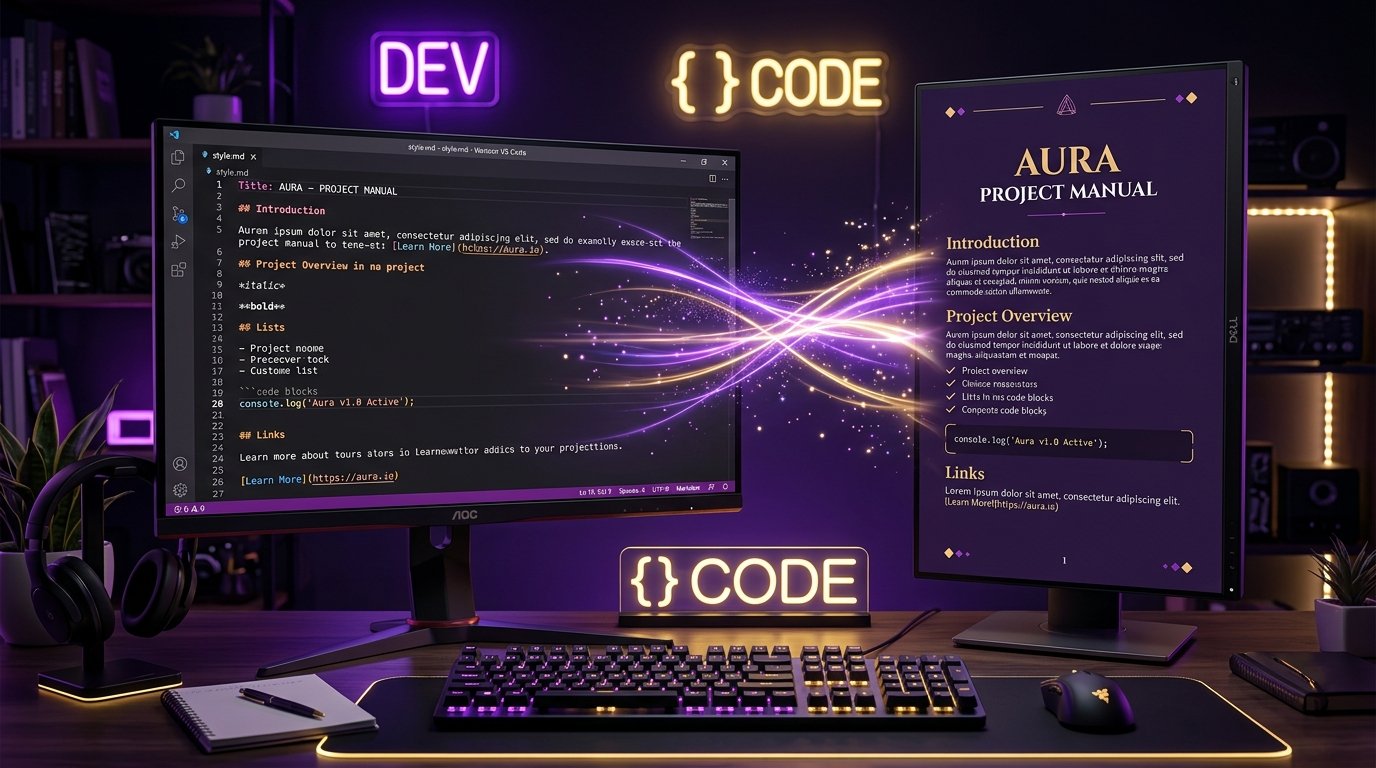
💡 Quick Answer: How to Convert Markdown to PDF Free
To convert Markdown files (.md) into clean, professionally styled PDF documents without watermarks, paste your GFM (GitHub Flavored Markdown) text into PDFCraft Markdown to PDF Converter. It renders syntax-highlighted code blocks, tables, footnotes, and math equations instantly into a print-ready vector PDF using client-side WebAssembly rendering for 100% data privacy.
Convert Your Markdown Files Instantly
Zero signups, no watermarks, full GitHub Flavored Markdown support.
Open Free Markdown to PDF Converter →Why Developers Need Modern Markdown-to-PDF Pipeline Tools
Markdown has become the undisputed standard for technical documentation, API specifications, engineering proposals, and developer notes. However, when sharing documents with non-technical stakeholders, clients, or executive teams, sending raw .md files or unstyled browser prints looks unpolished.
Traditional Markdown conversion tools present major friction points: online converters force registration, add heavy visual watermarks, or send your proprietary source code to unknown remote servers. Desktop command-line tools like Pandoc require heavy LaTeX dependencies exceeding 2GB. PDFCraft Markdown to PDF solves this by rendering GFM directly in your browser with enterprise-grade typography.
Supported Markdown Features & Syntax Highlighting
PDFCraft handles the complete GitHub Flavored Markdown specification:
- Prism.js Code Blocks: Automatic language detection and syntax highlighting for JavaScript, Python, PHP, Rust, Go, SQL, HTML, and CSS.
- GFM Data Tables: Clean, responsive table layouts with zebra striping and aligned headers.
- Task Lists & Checkboxes: Interactive rendering for
[x] Completedand[ ] Pendingchecklist items. - Blockquotes & Callout Notes: Stylized warning, tip, and note blocks with custom border accents.
- Embedded Inline Images & Vector Math: High-DPI image scaling and mathematical equation formatting.
Step-by-Step: Converting Markdown to PDF in Seconds
- Paste or Type Markdown: Open PDFCraft Markdown Converter and paste your raw Markdown text.
- Real-Time Preview: View the live, styled document preview instantly on the right-hand panel.
- Configure Theme & Print CSS: Choose between Dark, Light, or Editorial CSS themes with customizable font sizes.
- Export Vector PDF: Click "Download PDF". Your file is compiled natively into a high-resolution vector PDF ready for presentation.
Frequently Asked Questions (FAQ)
Is my Markdown code uploaded to external servers?
No. PDFCraft operates entirely client-side inside your browser memory. Your sensitive code snippets, API keys, and internal documentation never leave your local machine.
Can I customize header and footer page numbering?
Yes. PDFCraft automatically adds page numbers, document titles, and configurable margin padding for bound physical printing or digital sharing.
Transform Your Tech Docs Today
Export clean, watermark-free PDFs from your Markdown in seconds.
Convert Markdown to PDF Free →